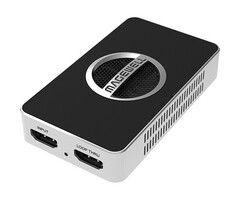


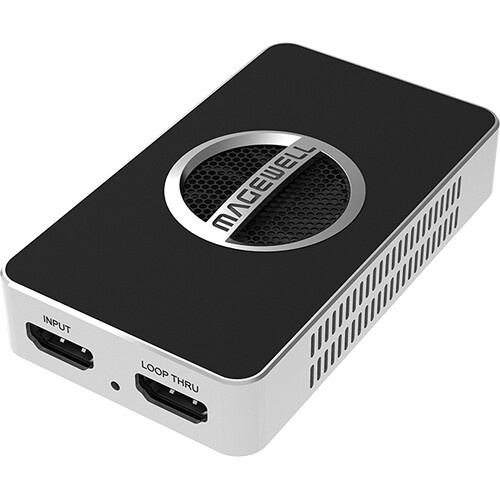
Magewell USB Capture HDMI 4K Pro




Trigitec B.V., Tokyostraat 19D, 1175 RB Lijnden
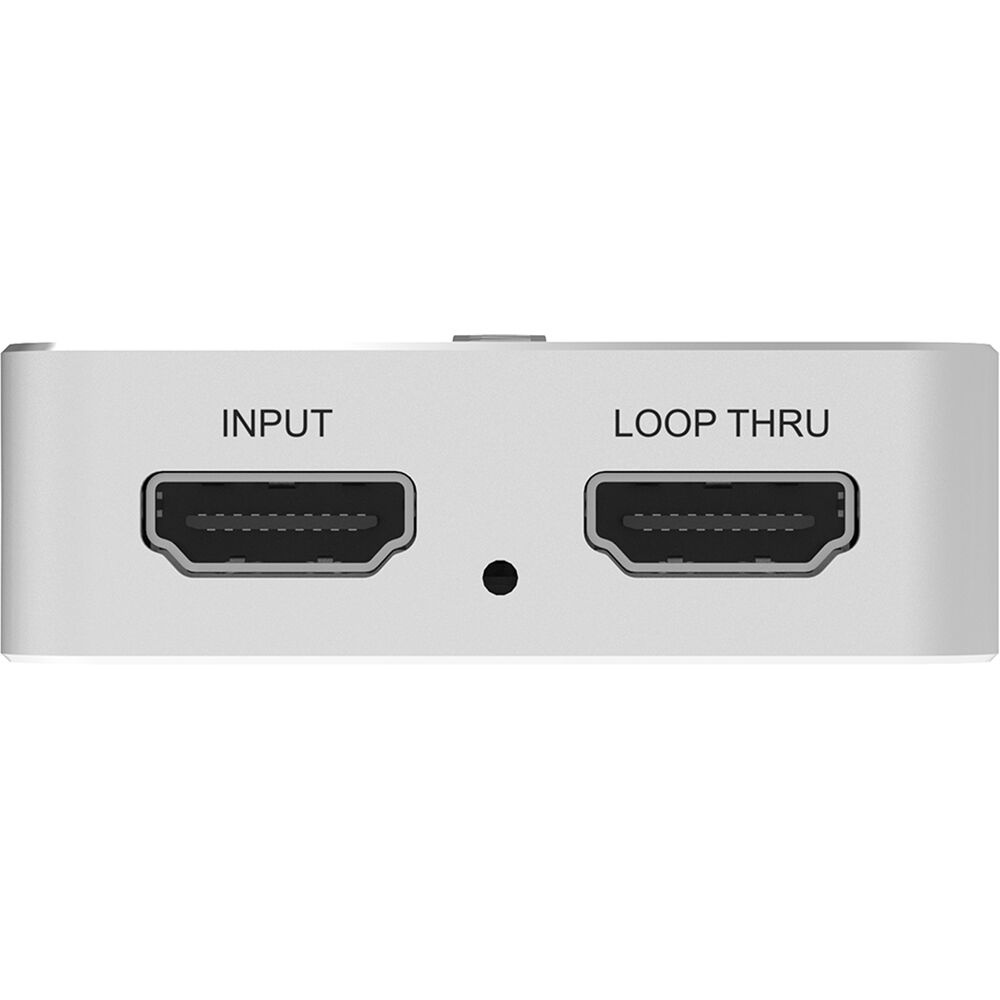
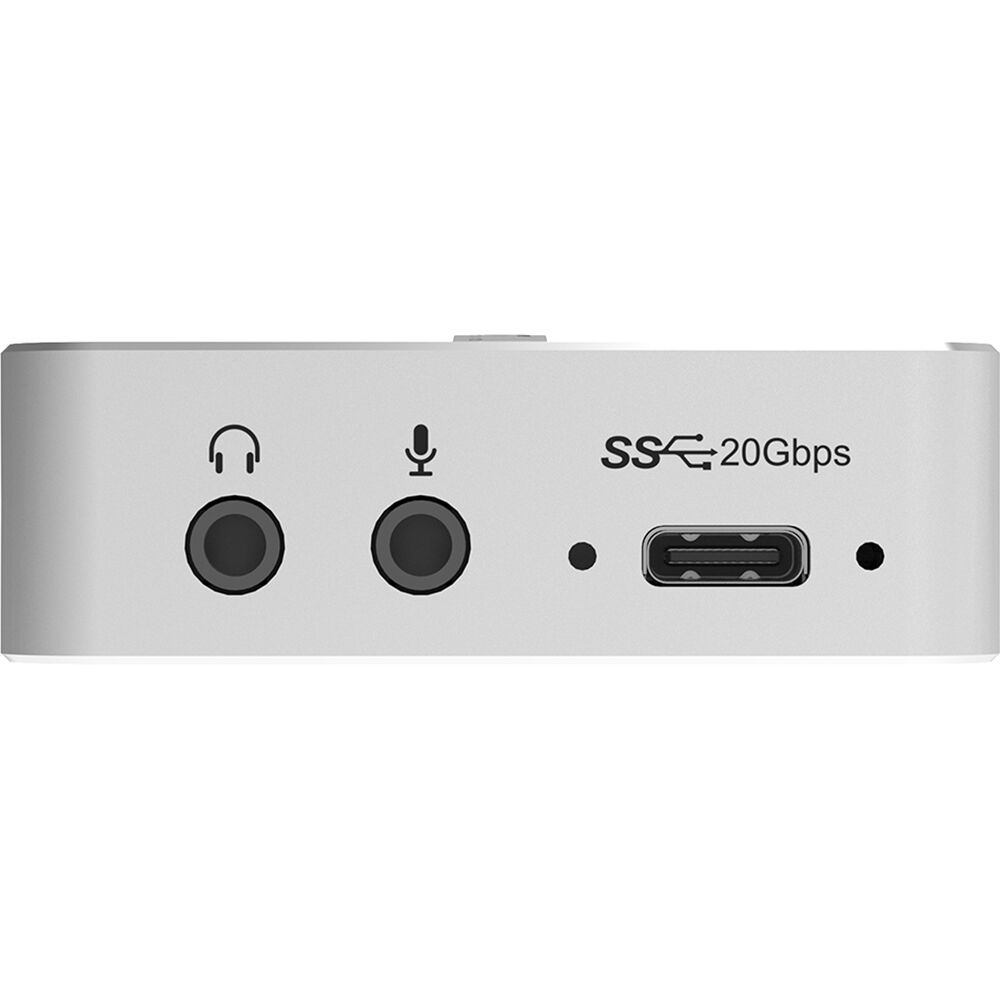
De Magewell USB Capture HDMI 4K Pro wordt via een USB-C 3.2-interface op uw computer aangesloten, waardoor u met een compatibele computer signalen met een resolutie tot DCI 4K kunt vastleggen met snelheden tot 60 fps. Gebruik hem om video van camera's, gameconsoles en andere apparaten rechtstreeks vast te leggen op uw Windows-, Mac-, Linux- of Chrome-computer. Het beschikt over een HDMI-ingang en een doorlus voor lokale monitoring, ingebouwde HDMI-audio en 3,5 mm audio-ingang en -uitgang voor het vastleggen van externe audio en het extraheren van ingebouwde audio.
Opmerking: Gebruik de meegeleverde Magewell USB-kabel, een speciaal ontworpen accessoire. Het gebruik van een andere soortgelijke kabel kan problemen met het vastleggen veroorzaken en zelfs het opnameapparaat beschadigen.
Optimale videokwaliteit
Video input tot DCI 4K60 4:4:4.
Houd er rekening mee dat DCI 4K60 een computer vereist met een USB 3.2 Gen 2x2-interface die 20 GB/s-overdracht ondersteunt.
Leg lagere resoluties vast tot 240 frames per seconde.
Functies zijn onder meer resolutieschaling, de-interlacing, bijsnijden, spiegelen/omdraaien en meer.
Ingangssignalen worden automatisch gedetecteerd.
Audio en extra functies
Ondersteunt tot 2-kanaals analoge audio-invoer en -uitvoer via 3,5 mm-poorten.
Een LED geeft de invoerstatus weer, inclusief vergrendeld invoersignaal, geen signaal of signaalprobleem.
Inclusief USB Capture Utility-software voor monitoring, upgrades en het exporteren van informatie voor probleemoplossing.
Installatie zonder stuurprogramma's.
SDK beschikbaar.
Compatibele software
Zoom Rooms
Microsoft Teams
Skype for Business
Google Hangouts
GoToMeeting
Gstreamer
VLC
OBS Studio
XSplit
QuickTime Player
Alle andere op DirectShow/V4L2/AVCaptureSession gebaseerde coderings- of streamingsoftware.
1x USB 3.2 Type C to Type C cable (up to 20Gbps)
1x USB 3.2 Type C to Type A cable (up to 10Gbps)
1x HDMI Cable
- 600MHz HDMI receiver, max input & loop through video: 4096x2160 60fps 4:4:4
- Custom EDID
- Support for RGB/YUV 4:4:4 8/10/12-bit, YUV 4:2:0 8/10/12-bit, YUV 4:2:2 12-bit
- Up to 8-channel 24-bit HDMI-embedded audio at 192kHz
- 2-channel IEC60958 audio streams via 3.5mm microphone interface
- HDMI interfaces: HDMI 2.0, DVI-D
- Video processing pipelines with ~700Mpixels/s processing bandwidth
- Supported color depth for video capture is up to 10-bit
- Input videos up to 4096x2160, frame rates up to 240fps.
- Outputs include (Actual capture format will vary based on the host system USB interface and operating system. *):
- 4096x2160p/3840x2160p 23.98/24/25/29.97/30/50/60
- 2560x1440p60
- 2560x1080p/120x1080p/1280x720p 23.98/24/25/29.97/30/50/59.94/60
- 720x576p25
- 720x480p30
- Output P010/Y210/NV12/I420/YUYV/UYVY/RGB24/RGB32 videos
- Support video cropping, up/down scaling, de-interlacing, aspect ratio conversion, color format conversion, frame rate conversion, flip and mirror
- Output audio of HDMI signal or hosting machine (the computer) via 3.5 mm headphone jack
- Up to 2-channel IEC60958 audio streams
- USB Capture Utility enables users to easily check and set the capture-related parameters, upgrade firmware of the capture device and export info needed for troubleshooting
- The MWCapture SDK provides functions including signal status extraction, capture configuration and real-time audio & video capture, etc
- Windows DirectShow/Wave API/DirectSound/WASAPI
- Linux V4L2/ALSA
- macOS AVCaptureSession/AudioUnit
- USB 3.2 Gen 2x2
- Zoom Rooms
- Microsoft Teams
- Skype for Business
- Google Hangouts
- GoToMeeting
- Gstreamer
- VLC
- OBS Studio
- XSplit
- QuickTime Player
- Any other DirectShow/V4L2/AVCaptureSession based encoding or streaming software
- Windows 10/11/Server 2016/Server 2019/Server 2022/Server 2025 (x86 & x64) and above
- Linux x86, x64 & ARM architecture, with 2.6.35 and above
- Mac OS X 10.9 and above
- macOS 10.12 and above
- Chrome OS
- 3.86 in (L) x 2.24 in (W) x 0.71 in (H) (98.1 mm x 56.8 mm x 18 mm)
- 5V max current: ~1.474A
- Max power consumption: ~7.369W
Input Features
Process and Capture Features
Included Software
SDK & APIs
Output Interface
Compatible Software
Recommended OS
Form Factor
Power Consumption