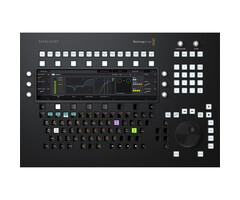



Blackmagic Design Fairlight Console Audio Editor



Blackmagic Design B.V., Rijnlanderweg 766 D, 2132NM Hoofddorp
Features
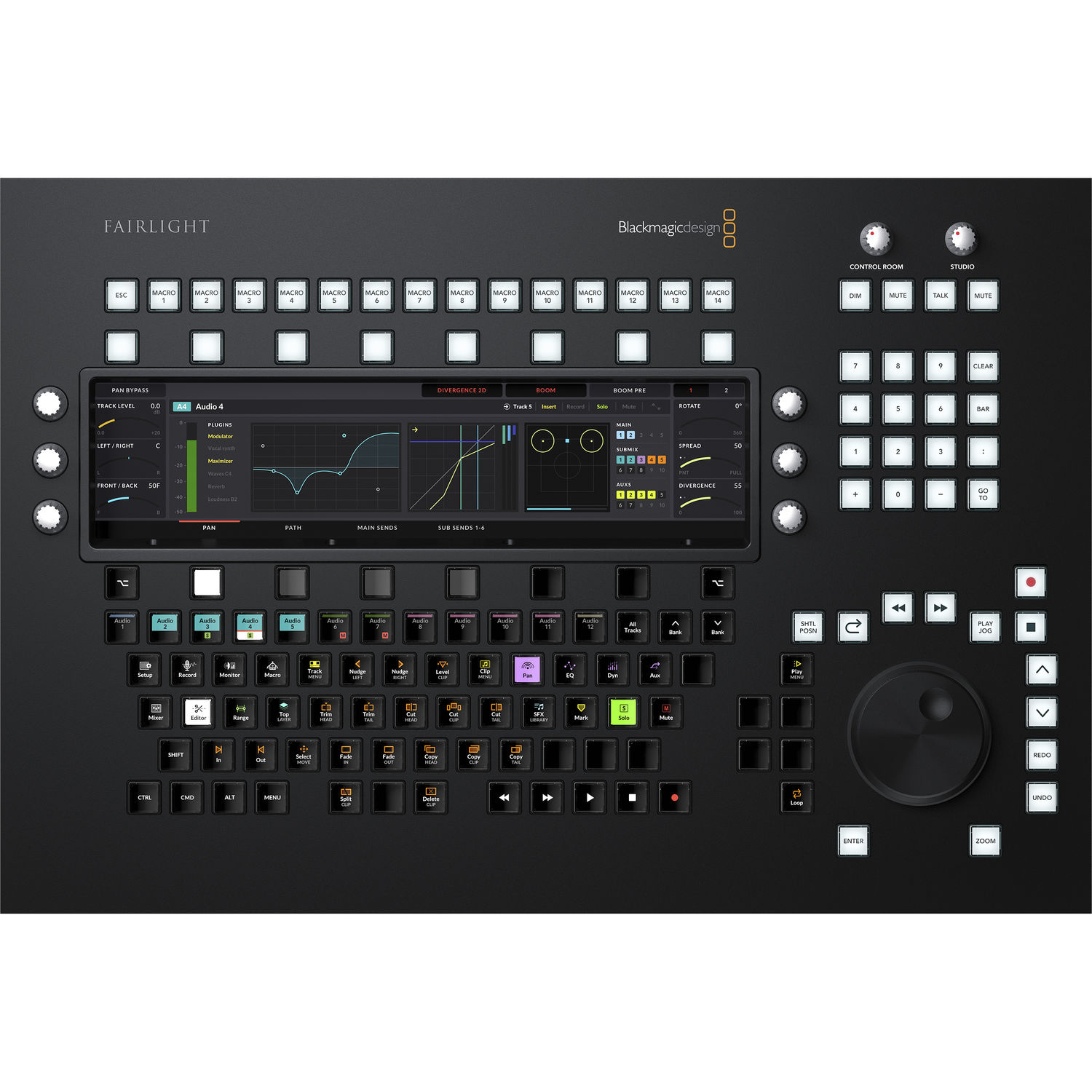
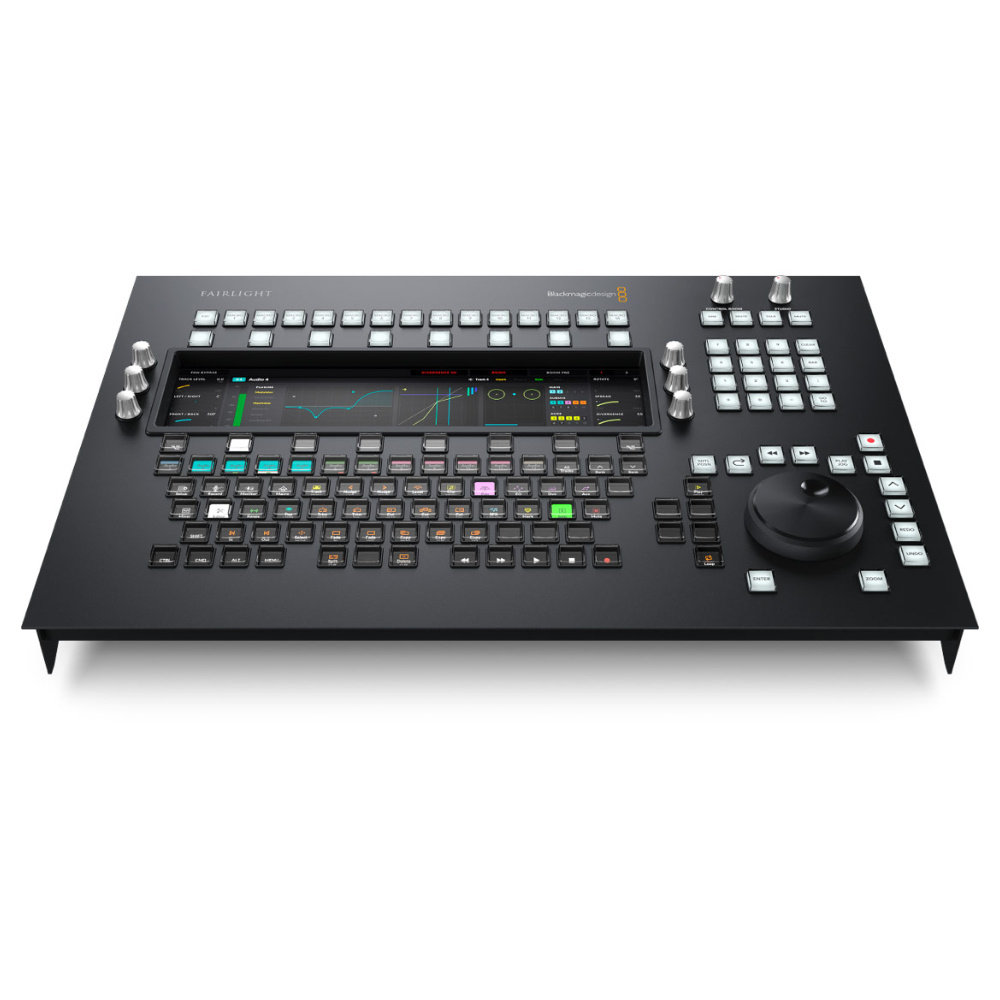
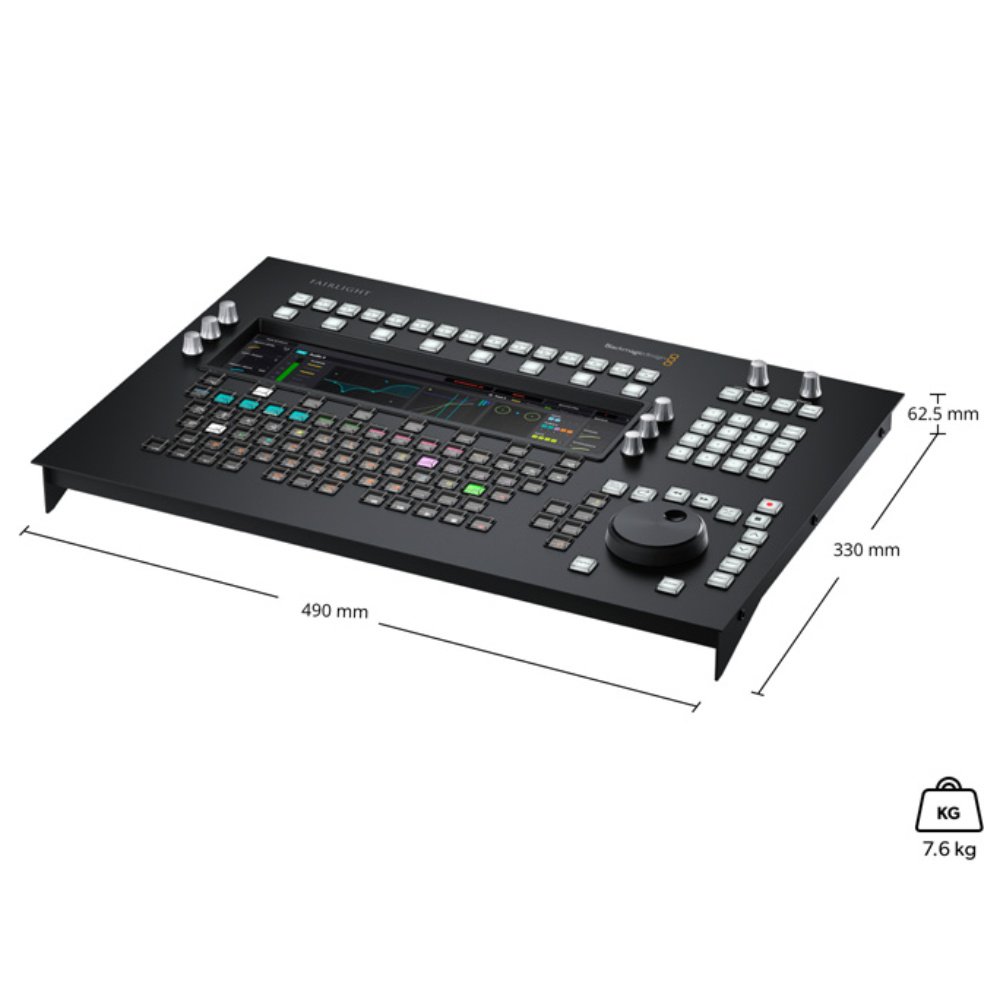
The Blackmagic Design Fairlight Console Audio Editor by Blackmagic Design is a professional audio control controller for DaVinci Resolve and Fairlight workflows. The system is designed for fast and accurate audio editing without relying on a mouse or standard keyboard.
With a large 12-inch LCD screen, programmable macro keys, multifunction rotary knobs, and a dynamic keyboard, the Audio Editor offers a highly efficient workflow for professional post-production, mixing, and audio editing.
Professional Fairlight audio controller
Specially designed for DaVinci Resolve
Large 12-inch high-resolution LCD display
Dynamic interface with automatic layouts
Programmable macro keys
Advanced transport and navigation controls
Self-labeling keyboard with context-sensitive keys
Touch-sensitive rotary knobs
Dedicated EQ, dynamics and plug-in controls
Ethernet connectivity
Internal power supply without external adapter
Operation
The Fairlight Console Audio Editor functions as a specialized hardware controller for Fairlight within DaVinci Resolve. The system provides direct access to audio editing, mixing, automation, and plug-in control via physical controls and an intelligent LCD screen.
The 12-inch display automatically switches between different layouts depending on the active task, such as:
equalizers
dynamics
plug-ins
aux sends
monitoring
mixing
This allows for faster and more accurate work without having to constantly switch to software windows.
Application
The Blackmagic Design Fairlight Console Audio Editor is suitable for:
Professional audio post-production
Film and television productions
Podcast editing
Voice-over workflows
Sound design
Music production
Broadcast audio editing
DaVinci Resolve studios
Fairlight mixing workflows
The system is ideal for editors and sound engineers who want maximum speed and precision during complex audio projects.
Limits
Works exclusively with Fairlight / DaVinci Resolve workflows
No standalone audio mixer
No built-in recording functionality
No wireless connectivity
Requires network connection via Ethernet
Key features
Dynamic 12-inch LCD display
The integrated high-resolution screen automatically displays the correct interface for the current task, including EQ, dynamics, and plug-ins.
Self-labeling keyboard
The keys automatically change function and display depending on the active workflow.
Programmable macro keys
Save complex actions and repetitive workflows for faster operation.
Professional transport controls
Dedicated controls for timeline navigation, playback, recording, searching, and editing.
Touch-sensitive rotary encoders
Offers direct control over parameters such as EQ, dynamics, and plug-ins with real-time feedback.
Layouts & functions
EQ Layout
4-band parametric clip EQ
Direct control of frequency, gain, and Q settings
Support for EQ presets
Standard Mixing Layout
Channel levels
Panning
Audio meters
6-band parametric EQ
Dynamics control
Plug-In Layout
Direct plug-in operation
Preset management
Bypass and reset functions
Parameter mapping to rotary encoders
Aux Sends
Control over up to 24 aux channels
Send levels and panning in real time
Monitor Mode
Loudness monitoring
Control room metering
Speaker configuration visualization
Studio monitoring tools
Blackmagic Design Fairlight Console Audio Editor
-
#
1x 12-inch LCD display
High-resolution interface
Dynamic layouts
Touch-sensitive rotary encoders
Programmable macro keys
Search Dial
Transport controls
Numeric keypad
Self-labeling function keyboard
1x RJ45 Ethernet (10/100/1000 Base-T)
1x USB-C for configuration and updates
macOS 10.15 or later
Windows 10 64-bit
Internal nutrition
100-240V AC
IEC C14 connection
Maximum power consumption: 20W
Operating temperature: 0°C to 40°C
Storage temperature: -20°C to 60°C
Humidity: 0 to 90% non-condensing
49.0 x 33.0 x 6.2 cm
Weight: 8.2 kg